Zooza logo

Gestionează întreaga rețea de activități pentru copii — fără haos.

Înlocuiește 90% din uneltele, foile de calcul și munca manuală cu un sistem all-in-one construit pentru brandurile de activități pentru copii în creștere. - iubit de proprietari, manageri, instructori și părinți.

Why teams schedule in Zooza

Whether you run one location or twenty, courses or camps, Zooza adapts to your setup — and automates what slows you down.

One planner for the whole year

Build a full school year on one screen; auto-skip local holidays and breaks.

Recurring sessions, handled

Weekly terms, rotating rooms, multiple instructors, online/offline in one flow.

Bulk changes in seconds

Shift a block, move rooms, change times, cancel or duplicate with multi-select.

Instant cover & change comms

Assign a substitute; parents and instructors get notified automatically.

Billable vs. non-billable sessions

Mark make-ups/bonus sessions as non-billable for clean invoicing.

Copy anything

Duplicate classes or entire terms to new dates/locations with adjusted capacity rules.

Instructor workspace

Personal calendar + dashboard with today’s classes, changes, and quick actions.

Mobile first

Create, move, or cancel sessions from your phone; everyone sees updates in real time.
Automation that saves your day

  • Acoperă 90%+ din nevoile de gestionare a rețelei
  • De încredere pentru 350.000+ părinți și studenți
  • De la prima locație la expansiunea globală, un singur sistem
  • Integrare perfectă a site-ului web – brandul tău rămâne în centrul atenției
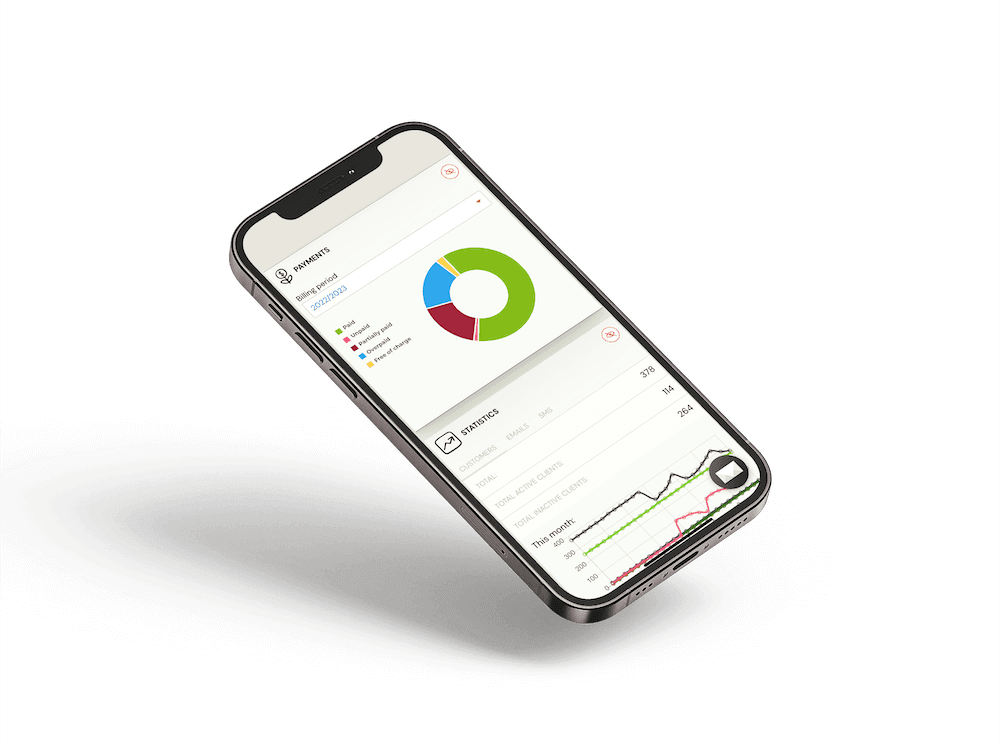
Zooza scheduling on iPhone

Works with the rest of Zooza

Embed Zooza on your site, keep families on your brand, and let the platform handle the operational lift behind every class.

Try for Free No credit card needed.
Book a live demo We’ll show you what’s possible.

FAQ – What people usually ask before starting

  • Can I build a full year and skip holidays automatically?
    Yes—use the year planner and select holiday/blackout calendars to auto-skip dates.
  • How fast is bulk editing?
    Multi-select any range to shift times, move rooms, change instructors, cancel, or duplicate.
  • What happens when an instructor drops out?
    Assign a substitute; rosters and portals update; parents and staff receive change notifications.
  • Can I mark non-billable sessions (make-ups/bonus)?
    Yes—flag as non-billable to keep invoicing accurate while tracking attendance.
  • Do instructors see their schedule?
    Yes—each instructor gets a personal calendar and dashboard with live changes.