Zooza logo

Parent Messaging

Keep parents informed—without chasing or extra apps.

Why Zooza for parent communication

Make paying attention easy—for parents and for you.

On your site, under your brand

No portal hops or forced app downloads.

WhatsApp/email, out of the box

each parents where they actually read.

Clarity on the essentials

“When is class?”, “Is it cancelled?”, “I can’t come”, “How do I pay?”—all covered.

Parent Portal

Fewer back-and-forths — Self-serve payments, make-ups, invoices, and updates.

Built for kids’ activities

Age/level rules, siblings, locations—messages show only what’s relevant.

Templates you can trust

Best-practice journeys prebuilt; switch on/off and edit the parts you need.
What you can configure

  • Triggers & timing: confirmations, reminders, changes, make-up invites, payment nudges, re-enrol prompts; T-24h/T-2h or your schedule.
  • Channels: email, WhatsApp Business (templates), or both; reply-to settings.
  • Content & branding: editable templates, tone, languages, logo/colours, per-location signatures.
  • Audience logic: age/level eligibility, siblings, location filters; send only what’s relevant.
  • Portal access: co-parent/grandparent access, data sharing rules, invoice download, pay-now links.
  • Controls: turn any notification on/off per product or location; test mode before going live.
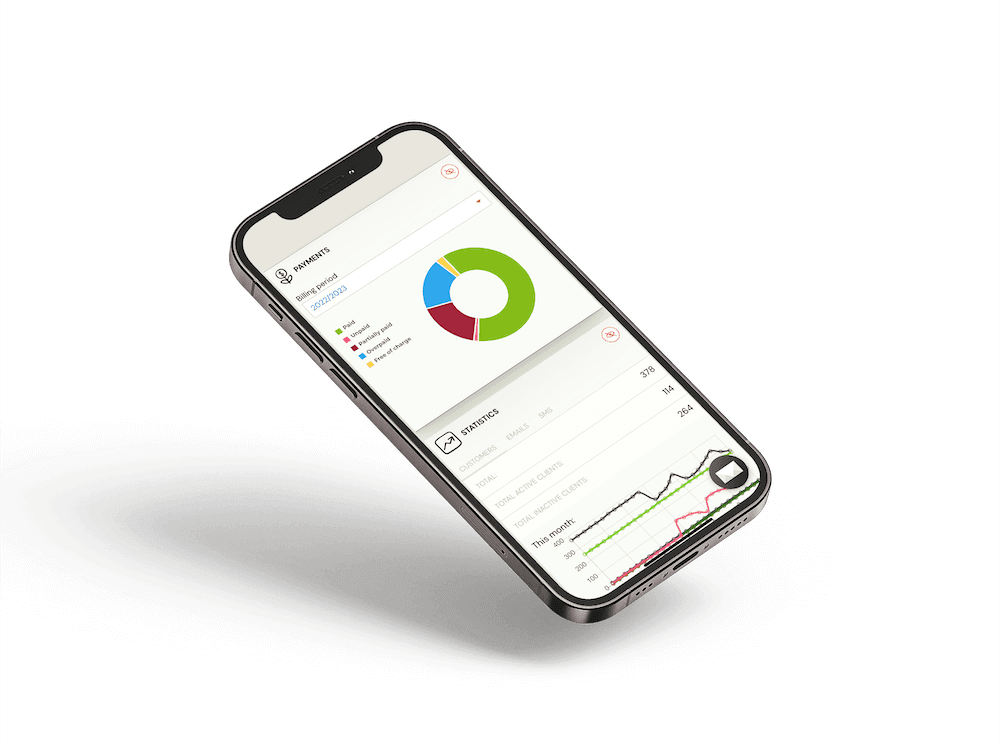
Parent messaging shown on an iPhone

Communicate clearly — automatically, on your site.

Embed Zooza on your site, keep families on your brand, and let the platform handle the operational lift behind every class.

Try for Free No credit card needed.
Book a live demo We’ll show you what’s possible.

FAQ – What people usually ask before starting

  • Do parents need to download an app?
    No. Messages link to your website and the Parent Portal—fully branded and mobile-friendly.
  • Do you support WhatsApp?
    Yes. Use pre-approved WhatsApp templates alongside email for confirmations, reminders, changes, and re-enrol prompts.
  • Can parents reply or update details?
    Parents can follow links to the Portal to update details, manage absences, book make-ups, and pay. You control reply-to behaviour on email/WhatsApp.
  • Can we turn some notifications off?
    Absolutely. Enable/disable each touchpoint per product or location and edit the templates.
  • How do co-parents or grandparents get access?
    Invite them to the same child profile with the appropriate permissions—no shared logins needed.
  • Is it multi-location ready?
    Yes. Use location-level branding, sender details, and templates while keeping standards at HQ.